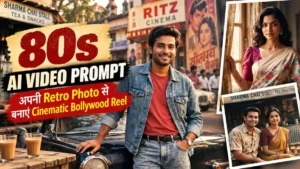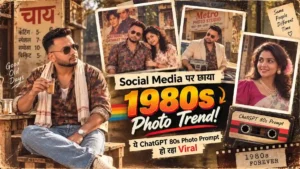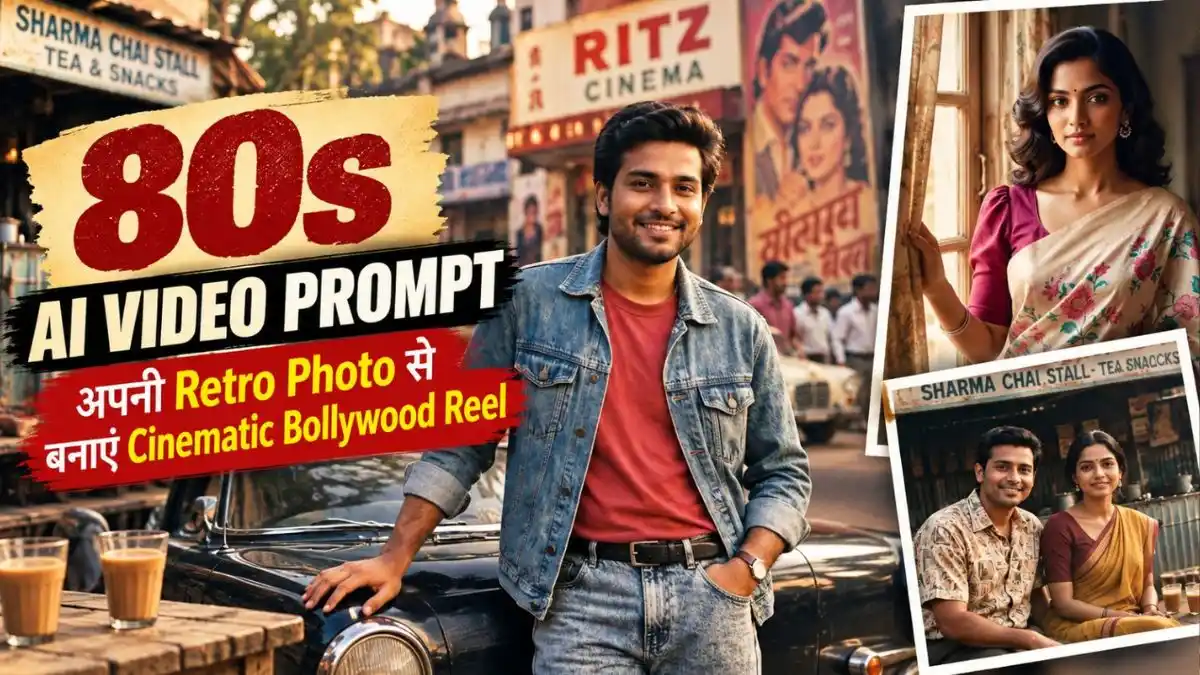
दोस्तों, Social Media पर 80s Look वाली Photos के बाद अब उन्हीं Photos को पुरानी Bollywood Film जैसी Video में बदलने का Trend देखने को मिल रहा है। कहीं Vintage Car के पास खड़ा शख्स हल्की नजर घुमाता दिखाई देता है, तो कहीं पुराने Cinema Hall और Indian Street वाले Scene में हवा, कपड़ों और Background में हल्की Movement पूरी Photo को चलती-फिरती 80s Film जैसा बना देती है।
अगर आपने भी अपनी 80s Bollywood-style Photo बनाई है, तो अब उसी Photo को Gemini या Flow AI की मदद से Cinematic 80s Video में बदल सकते हैं। लेकिन यहां सिर्फ Photo Upload करके कोई भी 80s AI Video Prompt इस्तेमाल करना सही तरीका नहीं है—ज्यादा Movement मिलने पर Face और Original Retro Look बदल सकता है।
इसीलिए आगे मैंने 3 अलग 1980s AI Video Prompts दिए हैं, जिनमें Face को बेवजह Animate करने के बजाय Camera और Scene की Natural Movement पर ज्यादा ध्यान रखा गया है। अपनी Retro Photo को Reference में लगाएं, पसंद का Prompt इस्तेमाल करें और अपनी Static 80s Photo को पुरानी Bollywood Film की चलती-फिरती Clip में बदलकर देखें।
Video बनाने से पहले अपनी Photo को 1980s Look में बदलें
दोस्तों, 80s AI Video की असली Feel Video Prompt से पहले उसकी Reference Image से शुरू होती है। अगर Starting Photo में ही सही Outfit, Location और Retro Atmosphere नहीं होगी, तो Video में सिर्फ Vintage Effect आने से वह पुरानी 80s Film जैसी नहीं लगेगी।
इसीलिए इस article में हर Video Scene के ऊपर उसका अलग Image Prompt दिया गया है। जिस Video को बनाना चाहते हैं, पहले उसके Image Prompt को Copy करें और अपनी साफ Photo ChatGPT में Upload करके उसी Scene की 1980s Reference Image बनाएं।
जब Face और पूरा Retro Look सही मिल जाए, उस Image को Save कर लें। इसके बाद उसी Image को Gemini या Flow AI में Reference बनाकर उसके नीचे दिया Video Prompt इस्तेमाल करें। इस तरह हर Scene की शुरुआत पहले से तैयार 80s Look के साथ होगी और Photo से Video का पूरा Scene ज्यादा natural और connected लगेगा।
इस तरह के और भी 80s Look AI Photo Prompt के लिए यह देखे
Image Generate होने के बाद सबसे पहले Face और पूरा 1980s Look देखें। अगर दोनों natural लग रहे हैं, तो इसी Photo को Save कर लें। आगे Gemini या Flow AI में Video बनाते समय यही 80s Photo Reference Image के रूप में Upload करें—इससे Video में आपका Retro Outfit, Hairstyle और 80s वाला पूरा Look बनाए रखना आसान रहेगा।
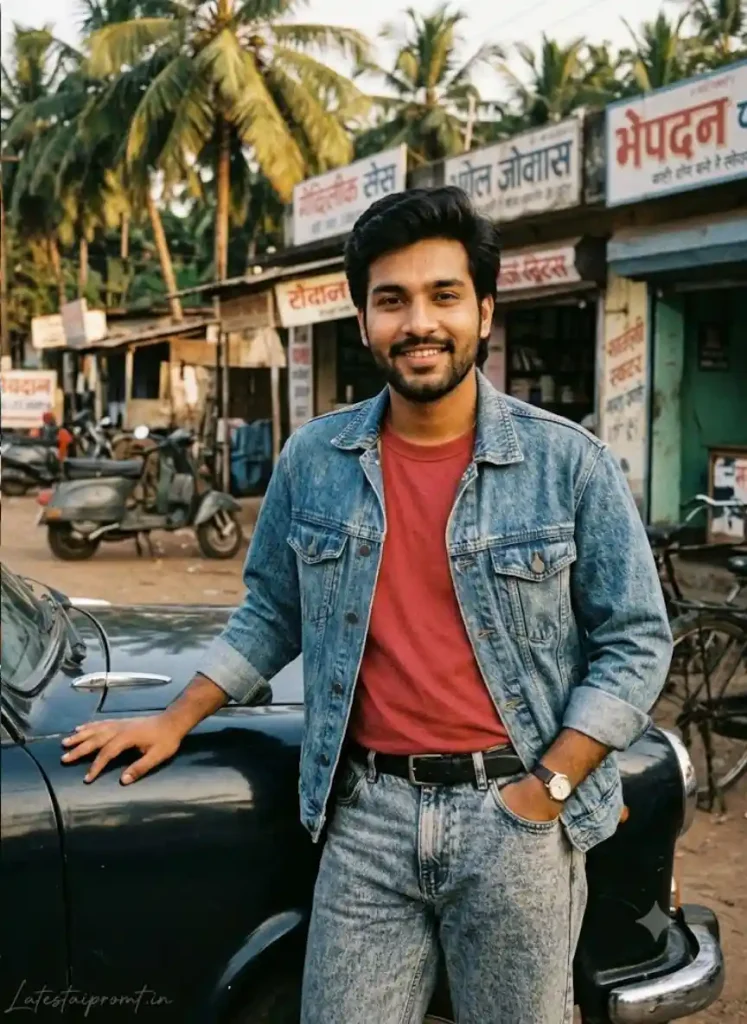
1. Vintage Car वाला Bollywood Hero Reel 80s AI Video Prompt
पहले ऐसी base image बनाएं जिसमें face सामने से साफ दिखाई दे। Car पर हाथ रखकर खड़े रहने वाला pose video में walking scene से ज्यादा stable रहेगा।
Image Prompt
80s AI Video Prompt
2. Vintage Saree वाली 80s Heroine Reel
इस look में body को घुमाने के बजाय saree pallu, hair और curtain में हल्की movement रखेंगे। इससे Reel cinematic भी लगेगी और चेहरा stable रहने की संभावना भी बढ़ेगी।
Image Prompt
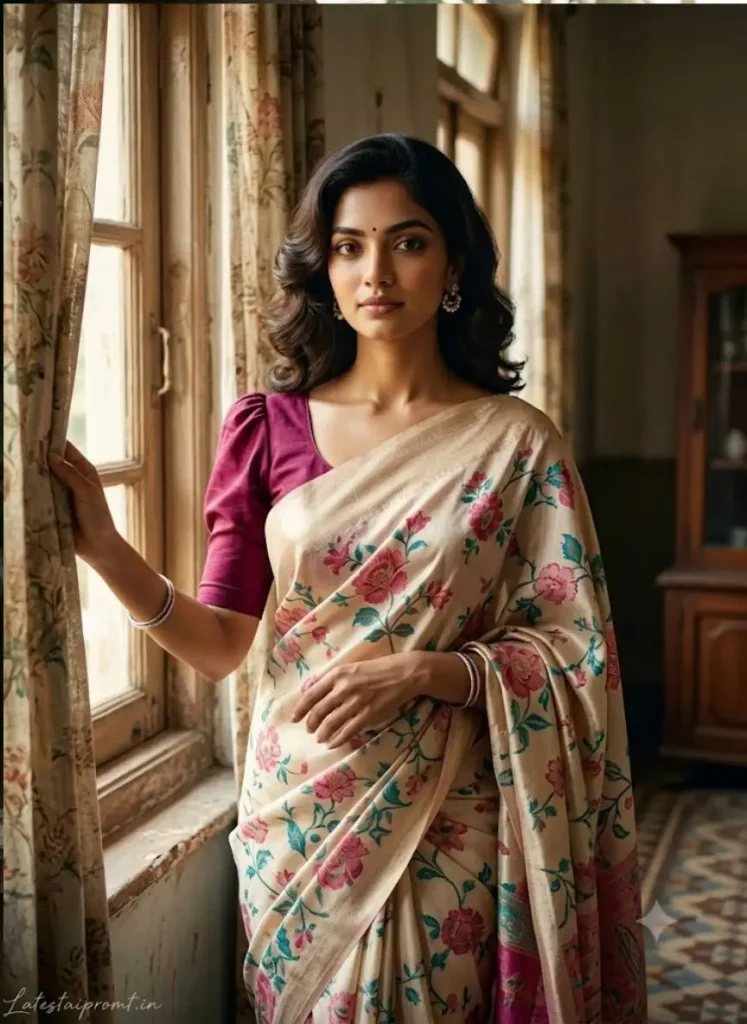
Heroine Reel 80s AI Video Prompt
3. Couple की 1980s Chai-Stall Reel 80s AI Video Prompt
Couple video में दोनों faces बदलने का खतरा अधिक रहता है। इसलिए यहां दोनों स्थिर बैठेंगे और movement चाय की भाप, cycle तथा background में रखी जाएगी।
Image Prompt
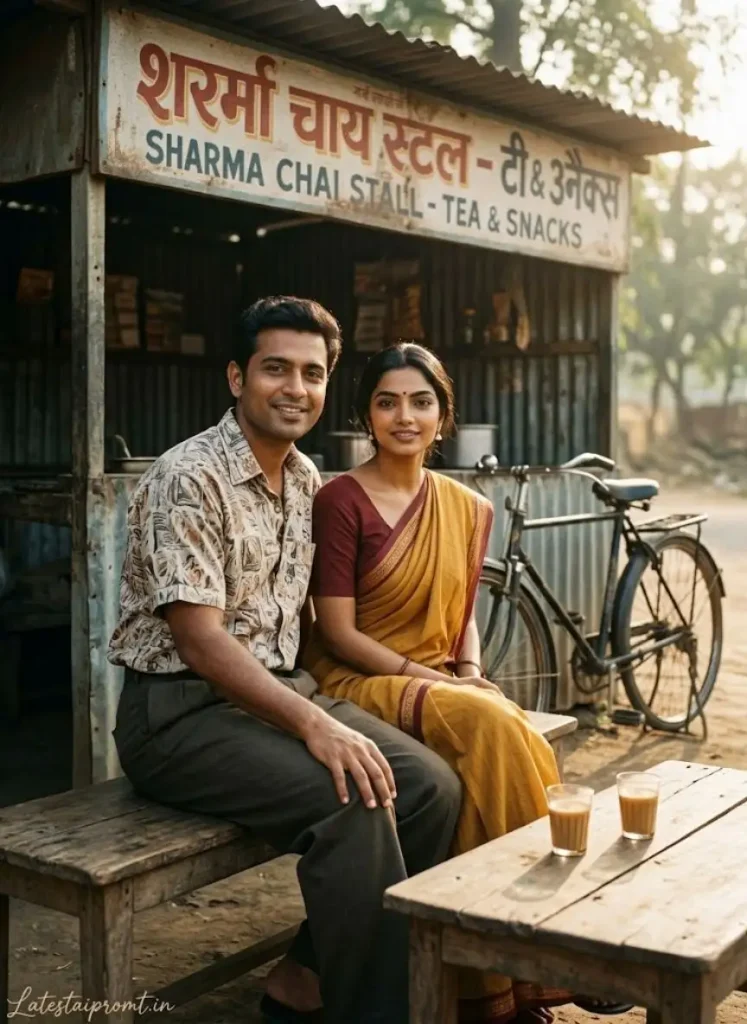
Chai-Stall Reel 80s AI Video Prompt
Flow या Gemini में Retro Photo को Video में कैसे बनाएं?
दोस्तों, 80s Retro Photo बन जाने के बाद उसी Image को Flow या Gemini में Reference बनाकर Video तैयार कर सकते हैं। यहां नई Photo बनाने की जरूरत नहीं है—जो Final Image Face और Retro Look में सबसे अच्छी बनी है, उसी से आगे बढ़ें।
- ऊपर दिए Image Prompt से अपनी 80s Base Photo बनाएं।
- Face, Hands और Outfit सही लगने वाली Final Image Save करें।
- Google Flow या Gemini में Video Generation खोलें।
- अपनी वही Final 80s Photo Upload करें और नीचे दिया Video Prompt Paste करें।
- जहां supported हो, 9:16 Vertical Video चुनें और Video Generate करें।
- Result बनने के बाद शुरुआत, बीच और आखिरी हिस्से में Face देखें। अगर Identity बदल गई है, तो उसी Base Image और Prompt से एक और Generation Try करें।
हर account/interface में अलग Motion Control या fixed 6–8 second duration का option मिलना जरूरी नहीं है, इसलिए ऐसी settings ढूंढने की जरूरत नहीं है। आपका मुख्य काम सही Reference Photo Upload करना, Prompt देना और मिले Results में से Face व Retro Look वाला बेहतर Version चुनना है।
Video में Face बदल रहा हो तो क्या करें?
Flow में ready prompt देने के बाद result खराब आए, तो ये practical fixes काम आएंगे:
- Face बदल रहा है: Clear और front-facing reference image से दोबारा video बनाएं। बहुत ज्यादा side-face या unclear face वाली photo avoid करें।
- Video धुंधला है: पहले high-quality, sharp base image इस्तेमाल करें। शुरुआत की image ही soft या low-resolution होगी तो video में facial details भी खराब हो सकती हैं।
- Hands खराब बन रहे हैं: Video बनाने से पहले base image में hands और fingers जरूर check करें। खराब hands वाली image को video में इस्तेमाल न करें।
- Outfit बदल रहा है: ऐसी starting image चुनें जिसमें पूरा outfit साफ दिखाई दे। Hidden या cropped clothing को AI आगे के frames में अलग तरह से बना सकता है।
- Result खराब आए: उसी खराब generation को बार-बार आगे बढ़ाने के बजाय सही base image से नया generation try करें। अलग generation में बेहतर consistency मिल सकती है।
बेहतर 80s AI Video के लिए 4 काम की Tips
- शुरुआत हमेशा साफ और Sharp Photo से करें। Face जितना clear होगा, Reference Image उतनी अच्छी बनने की संभावना रहेगी।
- हर Video Scene के लिए उसके ऊपर दिया Image Prompt पहले इस्तेमाल करें, फिर उसी बनी Photo के साथ संबंधित Video Prompt लगाएं।
- Result में सिर्फ Face नहीं, Outfit और 80s Background भी देखें। कोई Modern Car, Signboard या दूसरी चीज Retro Feel खराब कर रही हो तो दूसरा Result Generate करके देखें।
- Flow और Gemini में Same Reference Image + Same Video Prompt Try कर सकते हैं। दोनों में जो Result Face, Movement और 80s Feel में ज्यादा natural लगे, उसे Final Reel के लिए रखें।
अक्सर पूछे जाने वाले सवाल
1. 1980s AI Video बनाने के लिए Flow या Gemini में से कौन बेहतर है?
दोनों से 80s AI Video बनाई जा सकती है। एक ही Reference Image और Video Prompt दोनों में Try करें और जिसमें Face, Movement और Retro Look ज्यादा natural मिले, वही Result इस्तेमाल करें।
2. क्या Normal Photo से सीधे 80s Video बना सकते हैं?
हां, लेकिन बेहतर Result के लिए पहले दिए Image Prompt से उसी Scene की 1980s Reference Photo बनाएं। फिर उसी Image के साथ उसके नीचे वाला Video Prompt इस्तेमाल करें।
3. Video में Face बदल जाए तो क्या करें?
उसी Reference Image और Video Prompt से दोबारा Generate करके देखें। अगर लगातार Face बदल रहा है, तो ज्यादा साफ और sharp Face वाली Reference Image बनाकर फिर Try करें।
4. Instagram Reels के लिए कौन-सा Video Format सही रहेगा?
Instagram Reels और YouTube Shorts के लिए 9:16 Vertical Format सबसे practical है, क्योंकि Video Mobile Screen पर Full-screen दिखाई देती है।
5. क्या 80s Reel में पुराने Bollywood Songs इस्तेमाल कर सकते हैं?
जिस Audio को इस्तेमाल करने की अनुमति हो वही चुनें। Instagram या YouTube पर Reel/Short बनाते समय उनकी उपलब्ध licensed music library से Retro Song चुनना बेहतर रहेगा।
निष्कर्ष
दोस्तों, 80s AI Reel बनाते समय बस इतना याद रखें—पहले Scene की अच्छी Retro Photo बनाएं और फिर उसी Photo को Gemini या Flow AI में Reference रखकर Video तैयार करें। सही Photo और सही Prompt मिल जाए तो Result सच में किसी पुरानी 80s Film की Clip जैसा मजेदार लग सकता है।
आप भी इन Prompts को Try करके Comment में बताइए कि Flow या Gemini में आपका Result कैसा आया और कौन-सा 80s Scene सबसे अच्छा बना। अगर कहीं Face या Scene में दिक्कत आई, तो वह भी लिखें—मैं उसी हिसाब से Guide में काम के Fix जोड़ता रहूंगा।
यह लेख भी देखे:-